Skip to content
COMING SOONIOU is heading to the App Store for iPhone. Scan the bill, and it splits line by line.
COMING SOON TO IPHONE

Know exactly who owes what.

IOU keeps a running ledger for every person in your life — rent, dinners, the cab you covered. Scan the receipt, pick who was there, and the maths is done before you leave the table.

Coming soon · free to use · no account needed
iPhone & iPadiOS 26+
On deviceICLOUD SYNC IS OPT-IN
No accountNOTHING TO SIGN UP FOR
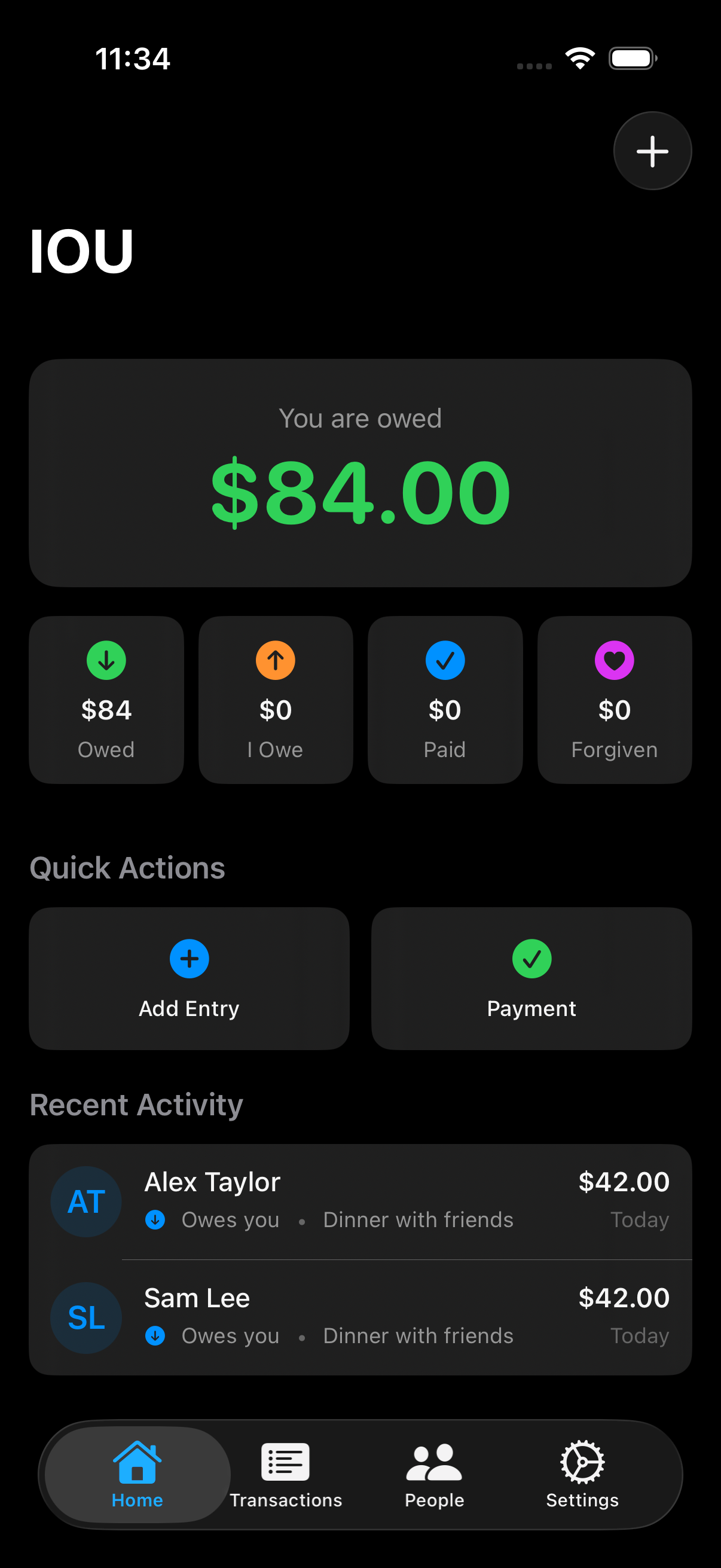
IOU Home showing $84 owed to you, balance summaries, quick actions and sample entries for Alex Taylor and Sam Lee.
WHAT IT DOES

Four things, done properly.

01

A balance per person

Everyone you share money with gets one number. Open their page for the entries behind it.

02

Receipts, itemised

Scan the bill, confirm the lines, tap who had what. Tax and tip split in proportion.

03

Debts and splits, apart

A loan you expect back isn't the same as a dinner you shared. IOU records them differently.

04

Due dates, surfaced

Give an entry a due date and it rises on Home as it gets close — yellow, orange, then red. A nudge, not a notification storm.

INSIDE IOU

One dinner. Every balance, clear.

From the shared expense to each person's balance, keep the whole picture in one place.
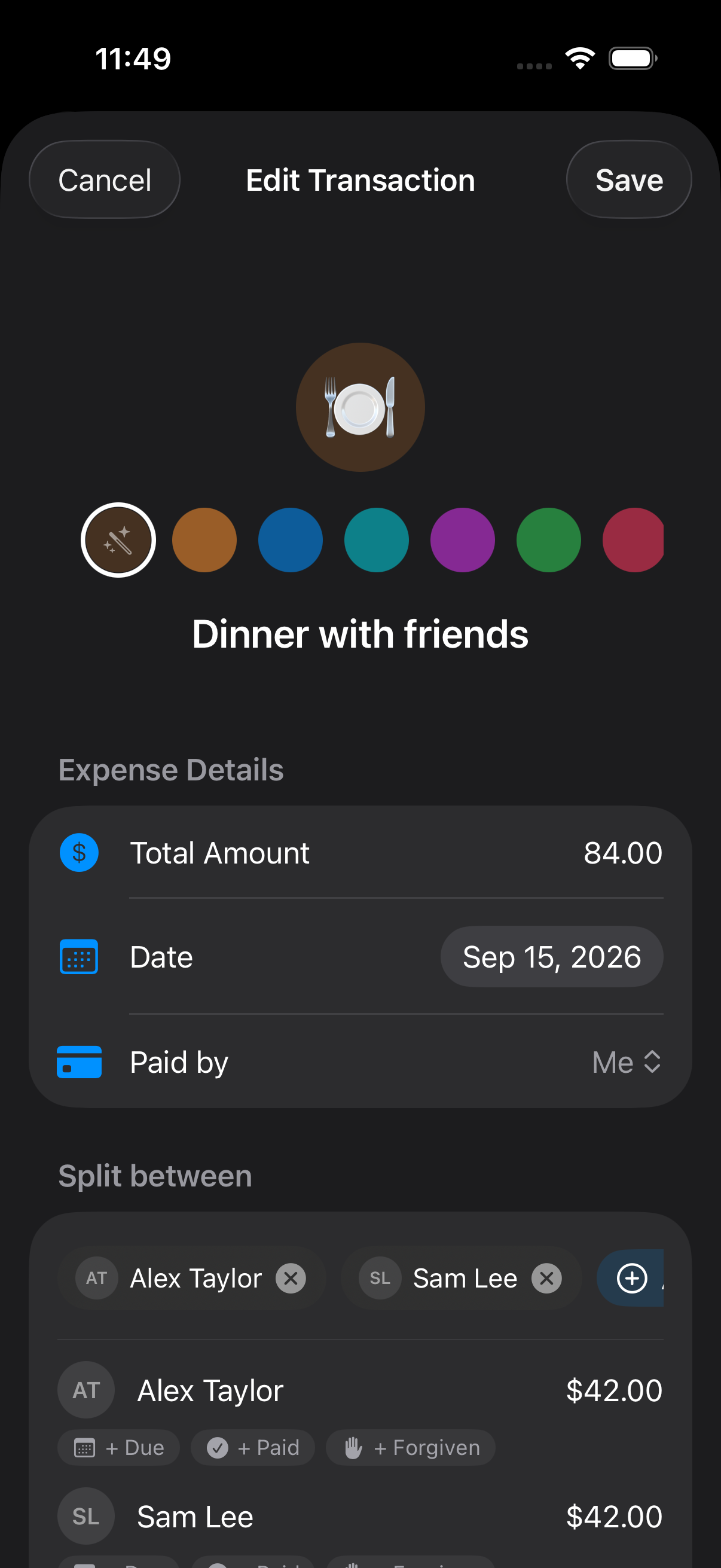
IOU expense editor showing Dinner with friends, an $84 total paid by Me, and shares for Alex Taylor and Sam Lee.
1 · Set the sharesChoose who paid, add the people involved, and adjust each person's share.
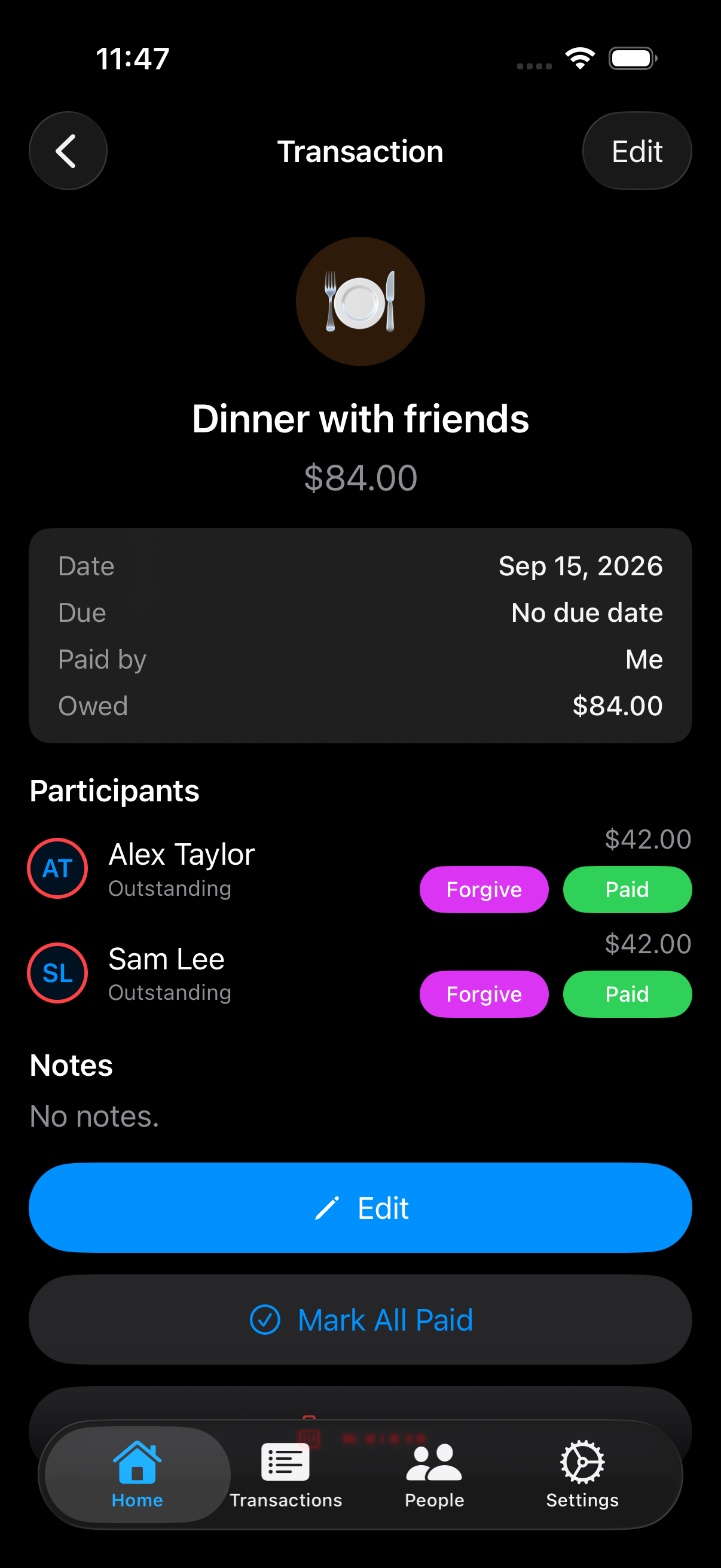
Saved Dinner with friends expense in IOU showing Alex Taylor and Sam Lee each owing $42, with payment and forgiveness controls.
2 · Keep the detailsThe saved expense keeps the amount, date, payer and each person's outstanding share together.
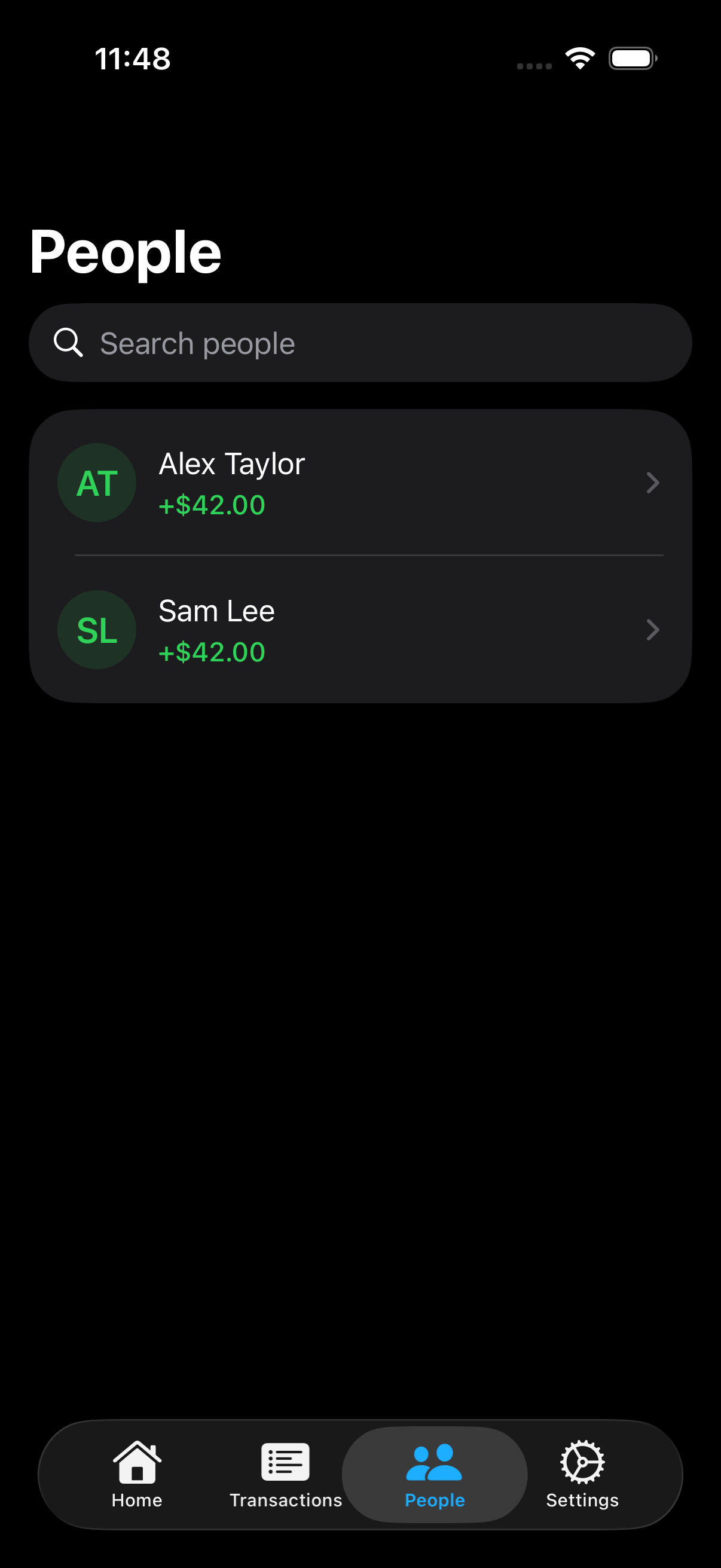
IOU People screen listing Alex Taylor and Sam Lee, each with a positive $42 balance.
3 · See who owes whatEveryone gets a running balance. Open a person to see the entries behind their total.

Screenshots from IOU for iPhone with sample entries.

Starting with a receipt?

Scan or import a photo, check the items, then assign the lines or split by percentage — even shares unless you change one. Nothing commits until you save. Back out of review and you can keep it as a draft; scan offline and it waits in your pending queue. Online scanning requires your permission.

PRIVACY

Your ledger lives on your phone.

There's no account to create and no server of ours holding your balances. Receipt photos are the one exception — they're read by our parsing service with Anthropic's Claude, and our service doesn't keep them.

Read the privacy policy →
People, entries and balances live on your device — and in your private iCloud only if you turn sync on.
Online receipt scanning asks for permission first. Selected images may upload later if you are offline.
Contacts access is optional. For people you pick, IOU keeps their name, numbers and emails to recognise them — none of it is sent to us.
Deleting the app erases it from your phone; if you synced, clear the iCloud copy in Settings.

Common questions

Do the people I track need the app?No. IOU is your own record — nobody else has to install anything or be notified.
Does IOU move money?Never. It tracks what's owed; you settle however you already do.
What happens to my receipt photos?With your permission, they're sent through our parsing service to Anthropic's Claude. Our service does not store the photos; Anthropic has its own retention policy. Your saved copy stays in IOU.
I hit the free limit — what happens to my data?Nothing is deleted or locked. The free limit is four people with open balances — settle someone up and their slot frees.

Stop doing mental arithmetic about your friends.

IOU is coming soon to the App Store for iPhone. Free to use — no account, no card, nothing to cancel.